Getting Grandparents and Kids to Actually Use a Family Calendar
A family calendar works when every generation can use it without help. What makes a touchscreen work for a 6-year-old, a 78-year-old and everyone between — plus the setup mistakes that quietly exclude people.
Reachael Editorial
A family calendar fails in a specific way: it works for the person who set it up and becomes homework for everyone else. Kids won't check an app. Grandparents won't learn one. Within a month the household is back to asking "what's happening Saturday?" — and the person who set it up is answering, forever.
Fixing that is less about features and more about removing the three small barriers most setups ship with.
Barrier 1: Logins
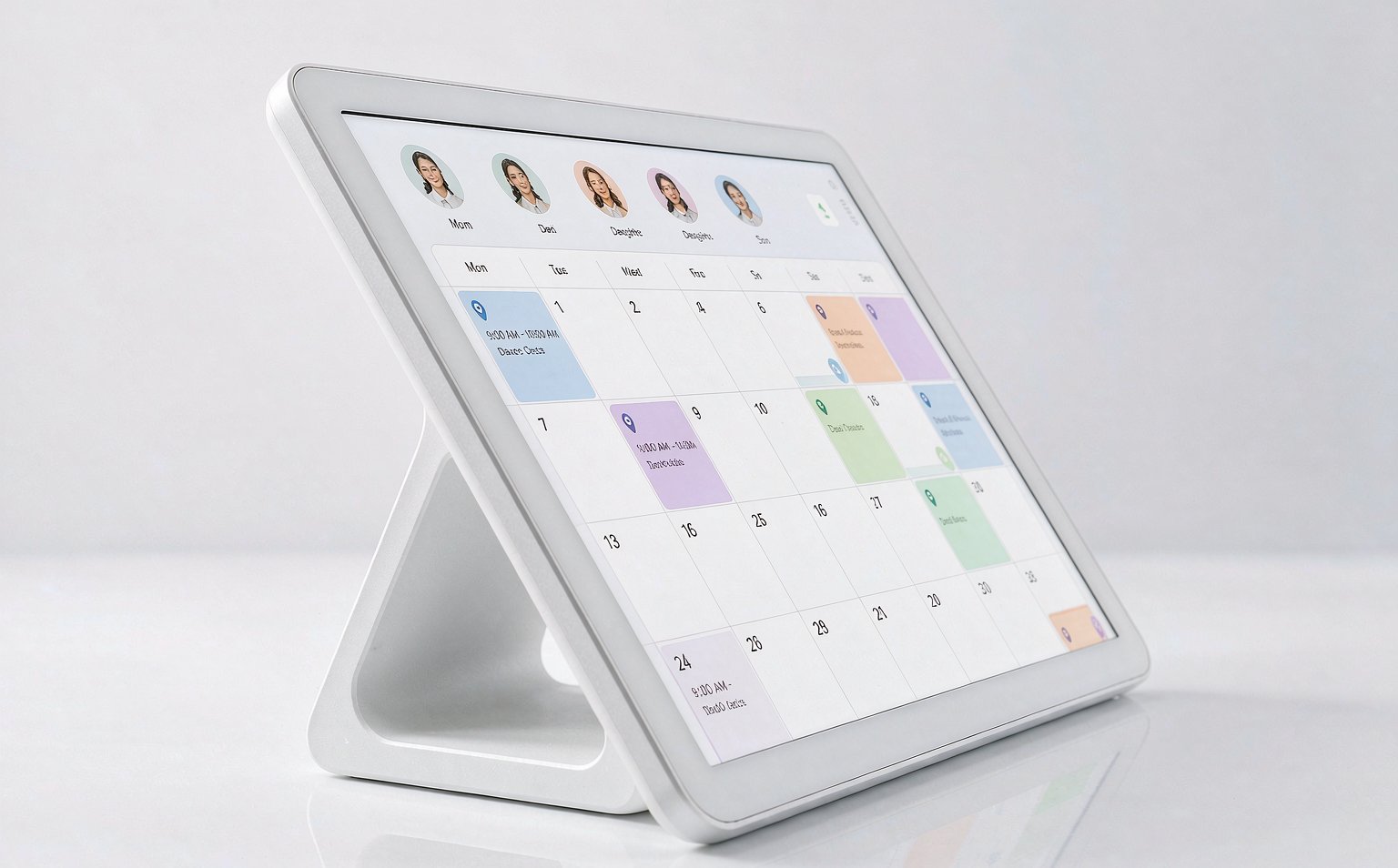
Any screen that asks a child or a grandparent to sign in has already lost. A family display should show the day's schedule the moment someone walks past it, and let them tap their color to see their own view. No accounts on the device itself — accounts live on phones, where they already exist.
Barrier 2: Reading load
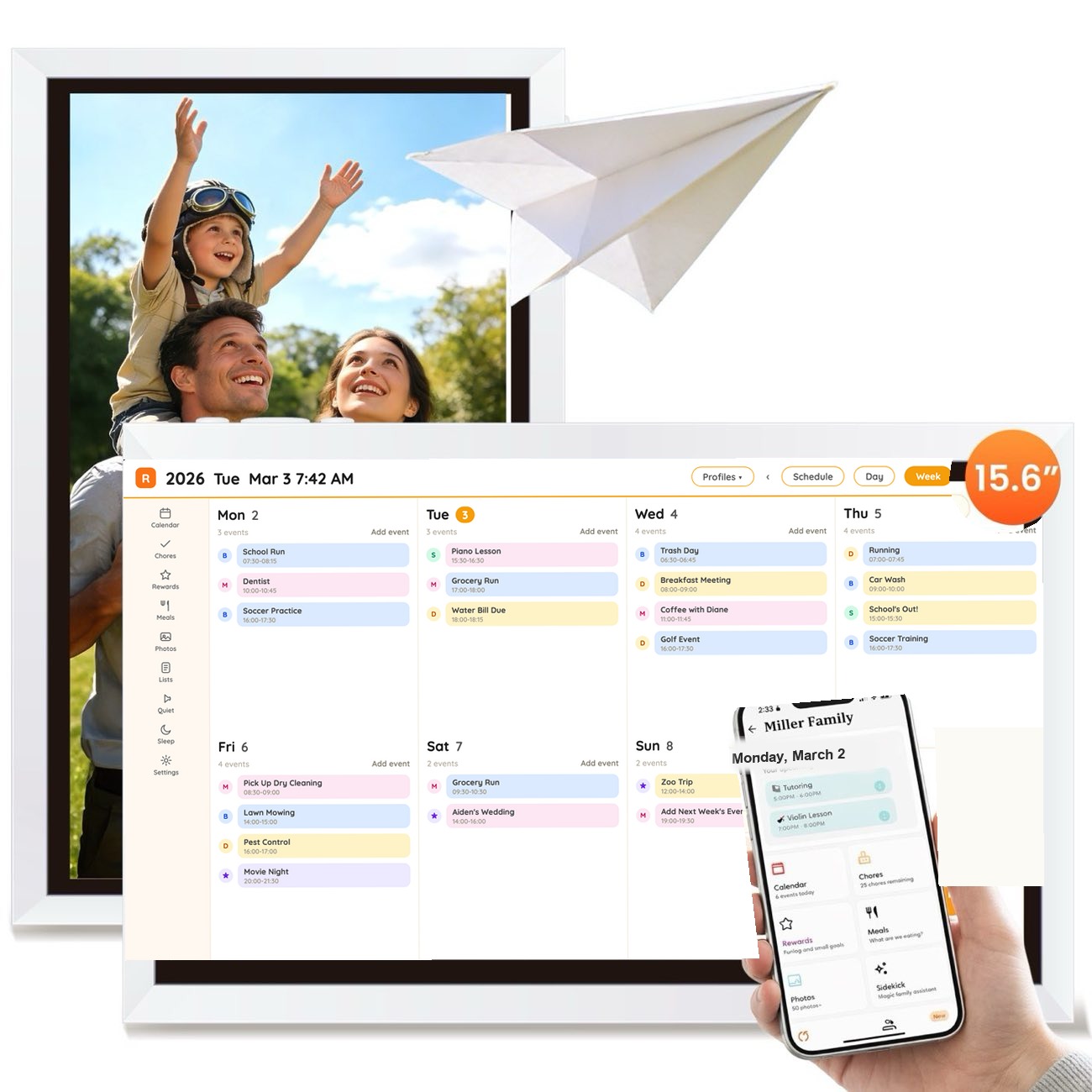
Color before text. A six-year-old who cannot read "orthodontist" can find "my blue events" instantly. Use large, high-contrast fonts (a 15.6-inch screen helps here), and keep event titles short — "Dentist," not "Dr. Patel hygiene appointment — Building C."
Barrier 3: Ambiguity
"Sometime Thursday" reads as "ask Mom." Include the time and the who on every event. It takes a week of discipline and saves a year of questions.
The result
When these three are handled, adoption stops being a project. Families regularly report that the least technical member of the household becomes the display's heaviest user — often a grandmother who checks it every morning and tells everyone else what's coming. That is the system working.
One screen for the whole week
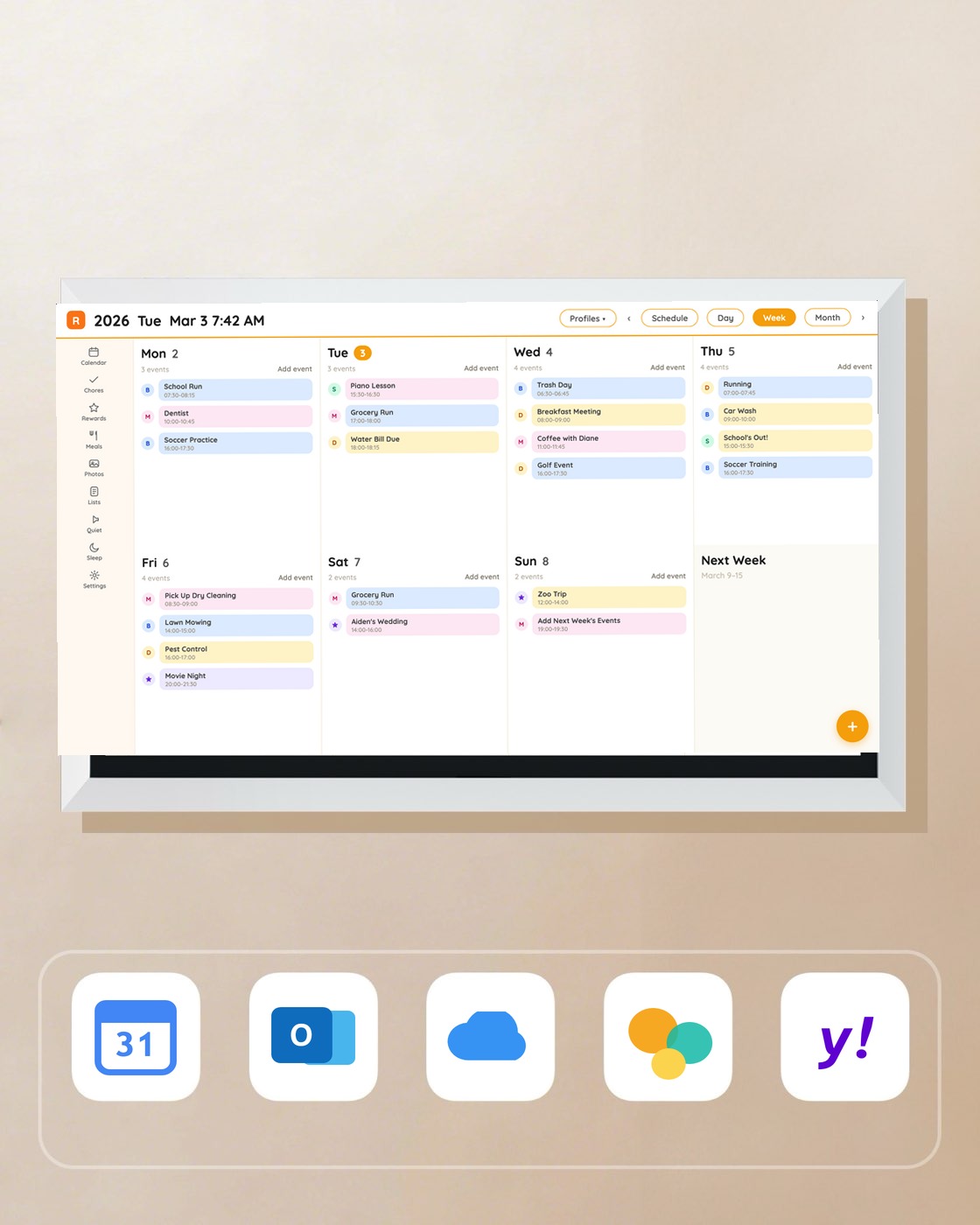
Every feature included, 32GB of storage and no subscription, ever — see the Reachael Smart Family Calendar.
Shop Collection